Online courses

Take a look first, then decide.

For each course I have unlocked one or two lessons, exactly as your employees will see them later. No sign-up, no email address. Every course runs online at your own pace, on a computer or a phone.

An employee locks her screen before leaving her desk
Phishing simulation includedAfter the course, three simulated attacks arrive in real mailboxes, unannounced, within five working days. The business only sees the anonymous team report.
Office Awareness with Phishing Training

Security at Work in the Office

The basic course for the whole office: from passwords and the inbox to a tidy desk.

  • 14 lessons
  • about 60 minutes
  • Video and text
  • €49.00 per person plus VAT
Who it’s for
Everyone with an office workplace, no IT knowledge required.
Content
  • Logging in, password managers and work devices
  • Inbox, attachments and the sender as false proof
  • Phone, messengers, payments and confidential information
  • The physical workplace and emergencies
At the end
Certificate for each person, evidence sheet for insurers, NIS2 and GDPR, followed by six months of refreshers.

▶ Free preview All lessons
Video: how it works · Security at Work in the Office
How it works →
An employee checks an AI result against a printout while a colleague takes notes
Meets Art. 4 of the EU AI ActSince February 2025, businesses must ensure their staff have sufficient AI literacy. This course is the proof.
For businesses

Using AI safely at work

Use AI tools at the office without giving away customer data, trade secrets or your own judgement.

  • 12 lessons
  • about 30 minutes
  • Video and text
  • €14.00 per person plus VAT
Who it’s for
Everyone who uses, or is expected to use, ChatGPT, Copilot and the like at work.
Content
  • What may go into an AI tool and what never should
  • Accounts, shadow AI and assistants in the mailbox
  • EU AI Act, GDPR, copyright, works council
  • Deepfakes, prompt injection and AI agents
At the end
Certificate for each person and company evidence of AI literacy.
▶ Free preview All lessons
Course video · Using AI safely at work
More on the AI obligation →
For schools · free of charge

Courses for the classroom

Schools pay me nothing. The teacher guides the class from their Cockpit, and only they see the answers. Everything for schools · Create a teacher account

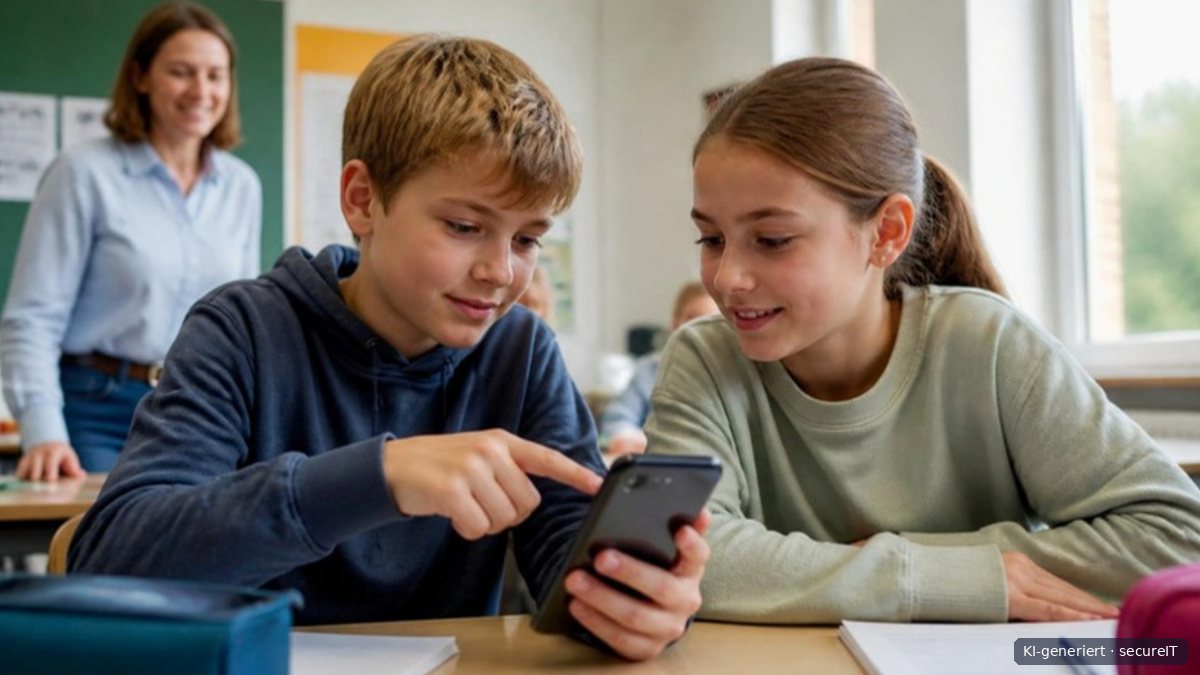
Two children look at app permissions on a phone together, the teacher in the background
Grades 5 and 6 · 10 lessons

Getting Started Safely Online

Phones, class chats, first accounts of their own: getting off to a smart start.

  • Ads, free apps and clicking “agree”
  • Class chats and strangers online
  • Passwords, screen lock and your own photos
Zwei Jugendliche vergleichen eine Nachricht auf dem Tablet mit einer Zeitung
Klasse 7 · 7 lessons

Medienkompetenz Klasse 7: Durchblick im Feed

Klasse 7: Wer entscheidet, was du siehst? Nachrichten, Falschmeldungen, Algorithmen, Werbung, Gaming.

  • Wie Nachrichten entstehen und wie sich Falsches verbreitet
  • Der Feed-Automat und die Filterblase
  • Werbung, Influencer und Lootboxen
Zwei Jugendliche vergleichen eine Nachricht auf dem Tablet mit einer Zeitung
Klassen 8 und 9 · 9 lessons

Medienkompetenz Klasse 8/9: KI, Recht und Respekt

Klassen 8/9: KI-Werkzeuge klug nutzen, erzeugte Bilder erkennen, Cybermobbing stoppen, Bildrechte kennen.

  • KI-Block: Was Chatbots können und wo sie irren
  • KI-Bilder, Deepfakes und die Lernfalle
  • Cybermobbing und Recht am eigenen Bild
Drei Jugendliche prüfen skeptisch eine verdächtige Nachricht am Laptop
Klasse 8 · 8 lessons

Digitale Selbstverteidigung Klasse 8: Deine Daten, deine Geräte

Klasse 8: Deine Daten, deine Geräte. Datenspuren, Rechte, Netz, Verschlüsselung, Passwörter, Smartphone.

  • Digitaler Fußabdruck und was Apps sammeln
  • Deine Rechte nach DSGVO
  • Wie eine Nachricht reist, Verschlüsselung, Passwörter und Gerätesperre
Drei Jugendliche prüfen skeptisch eine verdächtige Nachricht am Laptop
Klassen 9 und 10 · 6 lessons

Digitale Selbstverteidigung Klasse 9/10: Angriffe erkennen

Klassen 9/10: Angriffe erkennen. Fake-Profile, geklonte Stimmen, Betrug in Spielen, Phishing, mit Praxistest.

  • Fake-Profile, Catfishing und Social Engineering
  • Deepfakes, Fake-Stimmen und Datenschutz im Praktikum
  • Phishing erkennen und der Praxistest

Set up in an hour, trained in a week.

Create a free account, add your team, unlock the course. You only pay when you start. Would you rather see what a test email looks like first? The self-test is free.

Add your team Test it yourself first