← All posts
Using a smartphone camera unnoticed to spy
1. How does the attack work? Attackers use social engineering to lure you to a prepared website that claims to show a video or some interesting content...
1. How does the attack work?
Attackers use social engineering to lure you to a prepared website that claims to show a video or some interesting content; in my example I use one of my YouTube videos. Meanwhile, the page inconspicuously requests camera access or exploits a security gap to take photos unnoticed.
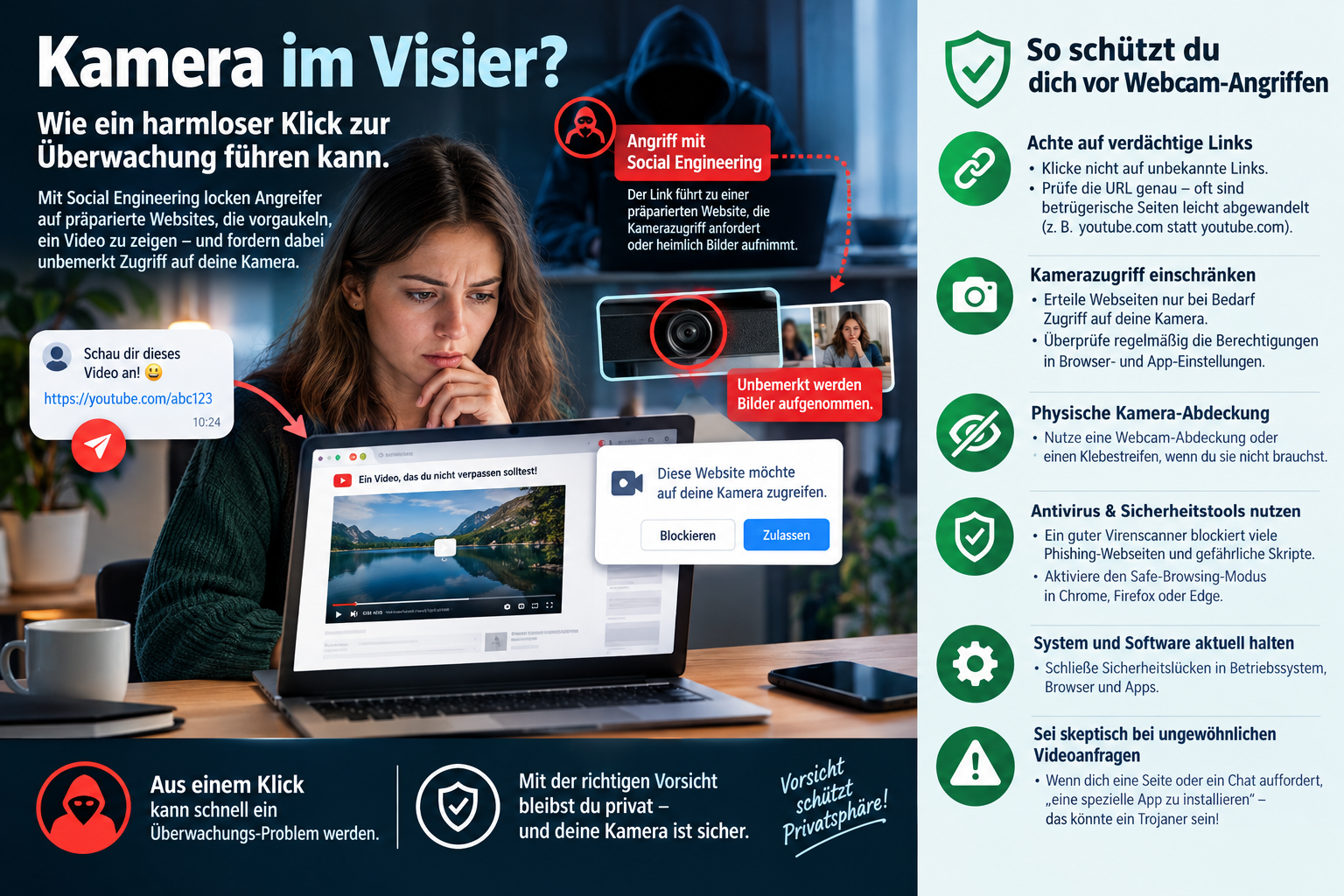
Software such as camphish is used for this, for example.
2. How can you protect yourself?
✅ Watch out for suspicious links:
- Do not click on unknown links sent to you via messenger, email or social media.
- Check the URL carefully: fraudulent sites are often slightly altered (e.g. "y0utube.com" instead of "youtube.com").
✅ Restrict camera access:
- Only grant websites camera access when it is really necessary.
- Regularly check the permissions in your browser and app settings.
✅ Physical camera cover:
- Use a webcam cover or a piece of tape for your camera when you do not need it.
✅ Use antivirus and security tools:
- A good virus scanner can block many phishing websites and dangerous scripts.
- Activate Safe Browsing mode in Chrome, Firefox or Edge.
✅ Keep your system and software up to date:
- Keep your operating system, browser and apps up to date to close security gaps.
✅ Be sceptical of unusual video requests:
- If a site or a chat asks you to "install a special app", be careful: it could be a Trojan!