Why a (cloud) backup does not protect you from a ransomware infection
Sadly, numerous examples of successful encryption attacks (ransomware = ransom) show, as happened recently to a well-known bicycle manufacturer...
Sadly, numerous examples of successful encryption attacks (ransomware = ransom), such as the one that recently hit a well-known bicycle manufacturer and drove it into insolvency, show how devious and ruthless attackers are towards German companies today.
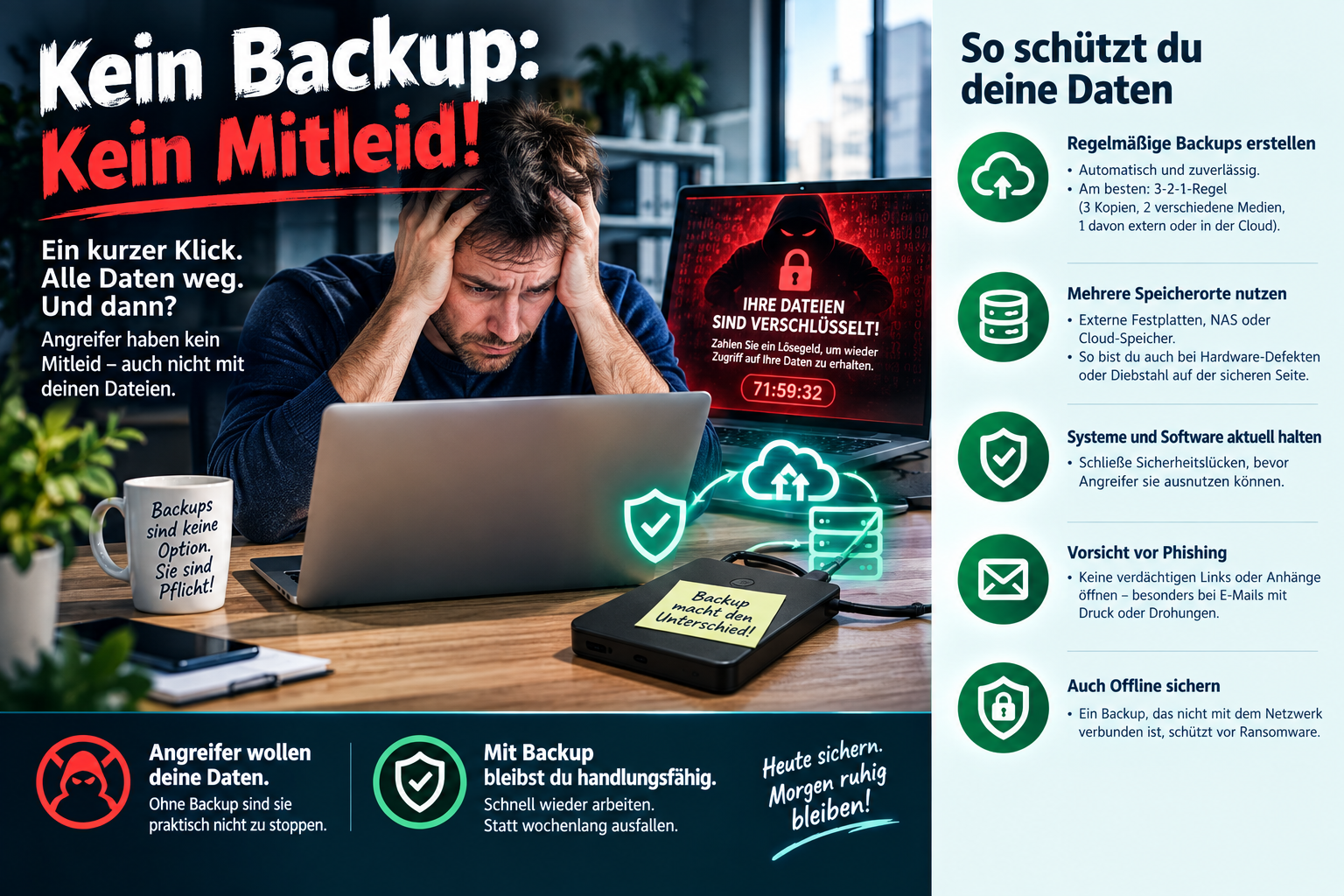
"No backup: no sympathy!"
is a very well-known, if rather defeatist, saying among IT security people.
But what if the attackers were specifically going after the backups?
A few thoughts on this from the IT practice of a developer ...
My most important point right at the start of the discussion: put yourself in the shoes of the people developing these attacks. Since it is often no longer about selling or using the data, but about extorting a ransom to release the data, the attackers have a very strong interest in destroying or encrypting the backups as well! That is the only way they get their ransom.
There is even ransomware that specifically searches for backup data formats and file extensions and encrypts or steals these files, so that the most important (backed-up) things are included straight away. Obviously!
Simply providing a large storage device for backups in the server room and then copying everything important in the company to it every night would be the simplest strategy, and, I am afraid, it is also a widespread one in German companies.
Which access rights govern access to this drive? Is the domain admin allowed access for the sake of convenience, or is there a separate account, independent of Active Directory, just for the backup? How is it ensured that nothing there is deleted? Nothing overwritten? Nothing encrypted? What does the backup strategy look like: how many days are backups kept? Is there a physical separation of the backup data (disconnecting hard drives, networks, swapping storage media ...)? Are all updates installed on the system and the software?
You can ask yourself all of these questions just as well if you implement the whole thing in the cloud!
Moving to a cloud brings no improvement on these questions. Certain responsibilities (for example for updates and monitoring) move from one person to another. Costs are shifted. But the risk and the responsibility remain. On top of that, you have to take care of data protection there. The only really big advantage you immediately get from a backup in the cloud is protection against a physical break-in at the company and against natural disasters, but not against hacker attacks.
If you want to protect yourself against ransomware, what matters is a holistic approach. Unfortunately, having a backup in the cloud is not a reassuring solution. You need up-to-date anti-malware solutions on the company's servers and workstations to stop malware from spreading in the first place. A comprehensive update and patch concept. Besides a suitable versioned, decentralised and tested backup concept, you need well-configured filters and firewalls to protect yourself against intruders, segmented networks, a well-thought-out remote access concept (home office, suppliers etc.), strong passwords, ideally passkeys or a password manager, and above all, and most underestimated: employee awareness
I want to do my part.